Plan
Set a practice time and a timed agenda. Give the team a clear picture of the session before anyone joins.
The CS2 team workspace. Bring practice plans, player responses and preparation into one shared direction.
Enter your workspaceFor the work before the server.See the workflow
The shared plan
The coach sets the agenda. Players give a clear response and find their next task. The team starts practice with the same plan.
Plan
Set a practice time and a timed agenda. Give the team a clear picture of the session before anyone joins.
Respond
Available, late or unavailable. Responses stay explicit, with room for a useful note and an expected arrival time.
Prepare
Players find their tasks and enrolled courses. Strategies remain in the team library, ready to open.
Plan example
20:00–21:30 · Jerusalem time
Agree the focus. Review the last session.
Walk through the team’s site executions.
Play scenarios. Close with the team review.
Example workspace · Illustrative North Team data
Every role, connected
The whole session in view. A place for every player, and a shared direction for the team.
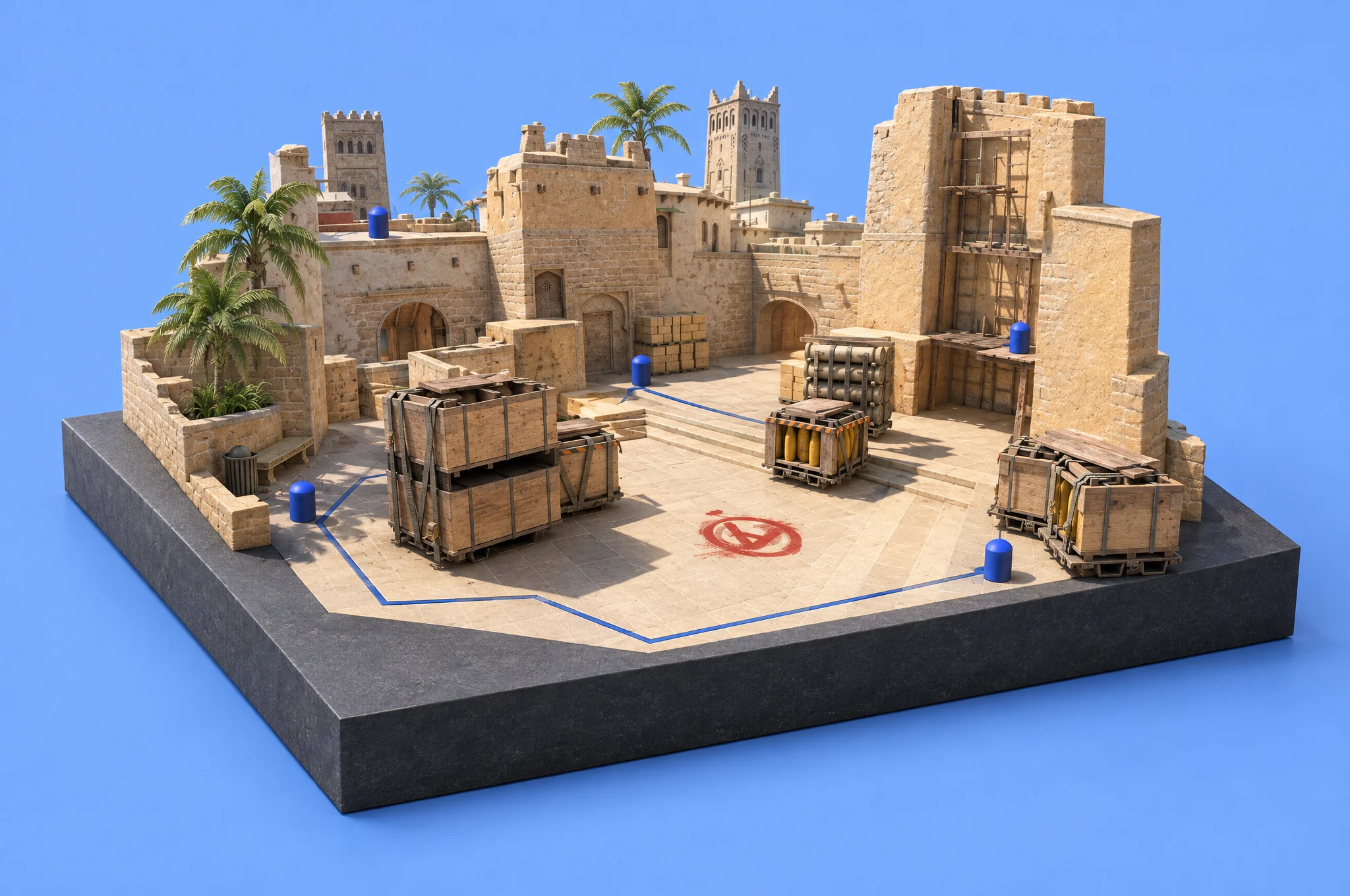
Set practice times and agendas. Keep team responses and assigned preparation close to the session.
Give your response, check the plan and pick up your assigned work. Built for the phone you already have.
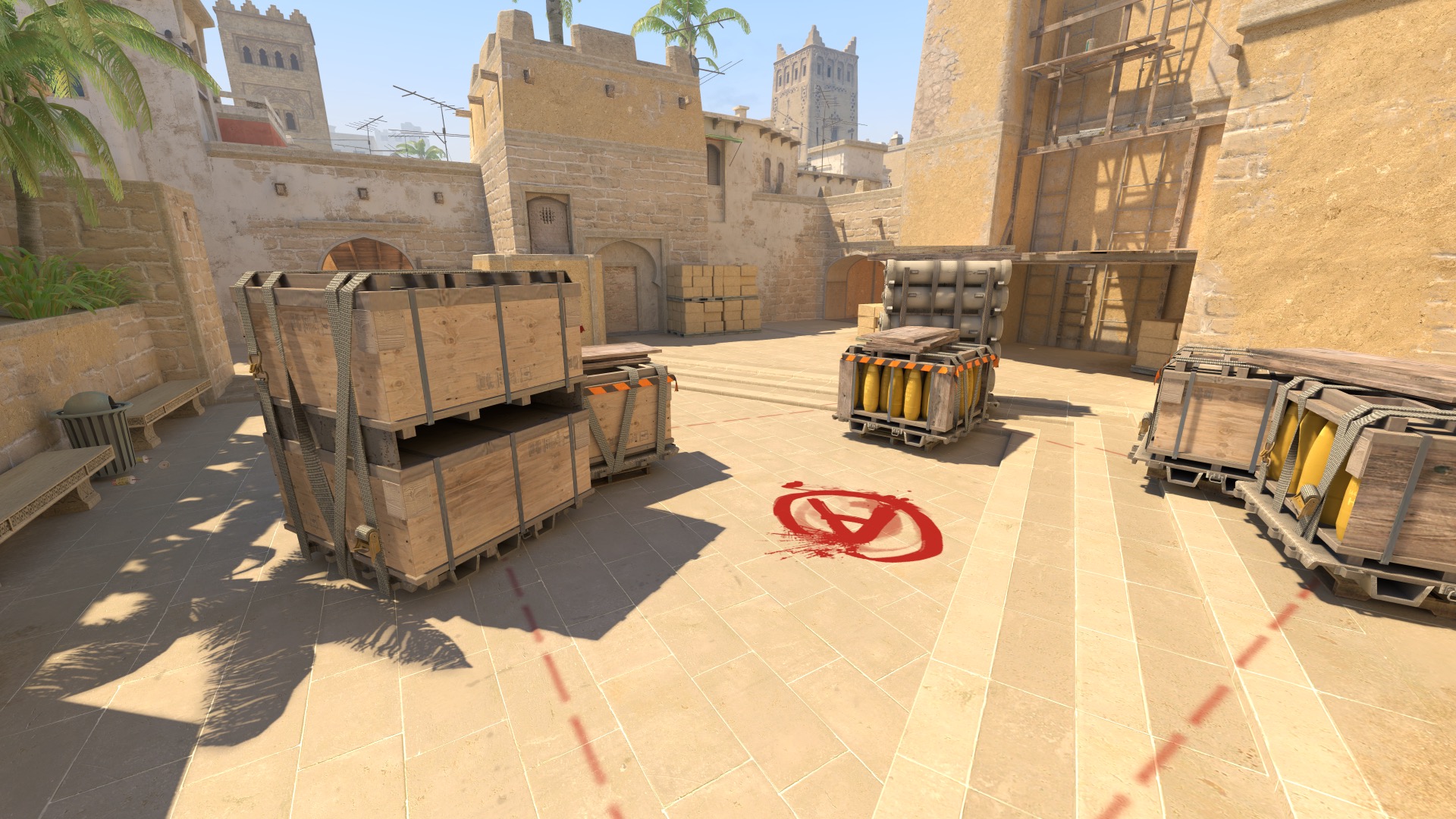 Mirage · Counter-Strike 2
Ready before practice
Keep strategies, courses and assigned work close to the plan. Find what you need without hunting through chat.
A few details
Your team, your permissions, your preparation. A few practical details before you enter.
Practice schedules and agendas, player availability, lineups, strategy libraries, Academy courses and assigned tasks. Your Today view brings the next response and your preparation into focus.
Teamline is built around competitive teams and organizations. Staff and players use the same workspace with different permissions. A separate personal workspace remains available.
Yes. Players can respond to practice, review their schedule and find assigned tasks and enrolled courses from the mobile workspace.
Owners, admins and coaches manage Academy content. A player can be given an explicit management permission by those staff roles. Other features follow their own team permissions.
No. Google, email, calendar and game providers depend on the workspace configuration. The application shows when a provider is unavailable rather than reporting a connection that does not exist.
Sign in with your existing credentials or a configured provider. New accounts use the registration and create or join flows; team invitations follow the access granted by your organization.
Your team’s next step
One workspace for the work of a competitive team.